👨👩👧👦 A coloring page from your family photo
Gallery sites are full of generic “family” coloring pages with somebody else's family. This page is about making one from yours: which photos work, what happens to the faces, and what to do with the pages once they are printed.
Paid tool: 10 pages for $9.99 one-time, or $3.99/week for up to 10 pages a day (renews weekly, cancel anytime).
Which family photos work
Group size
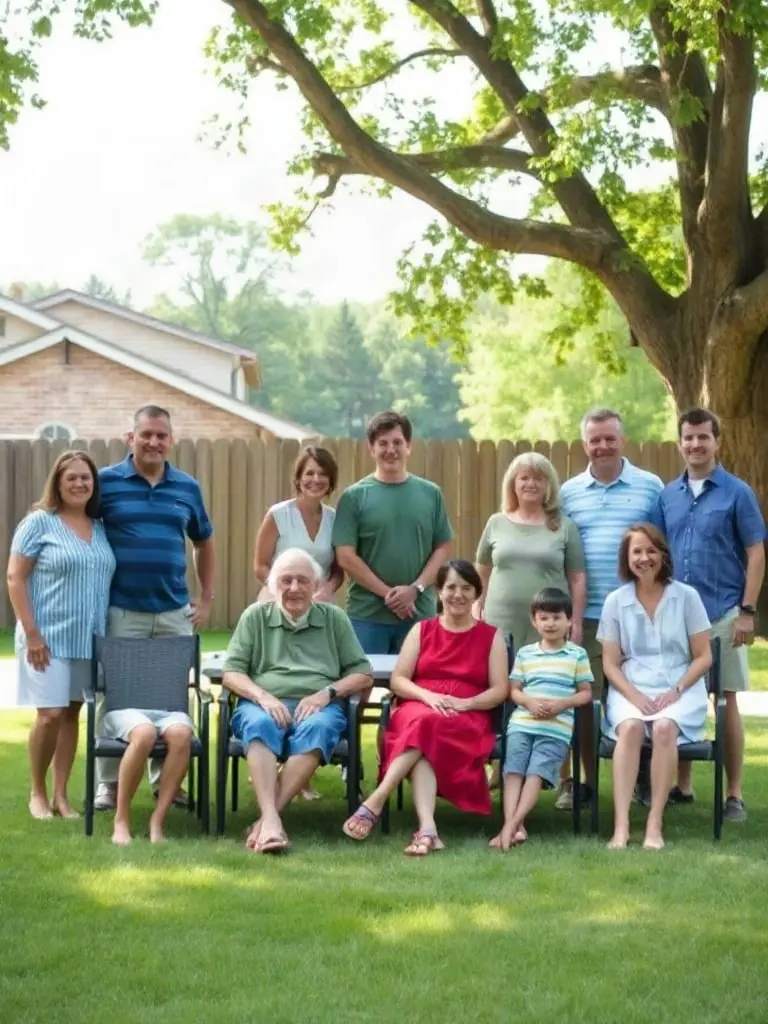
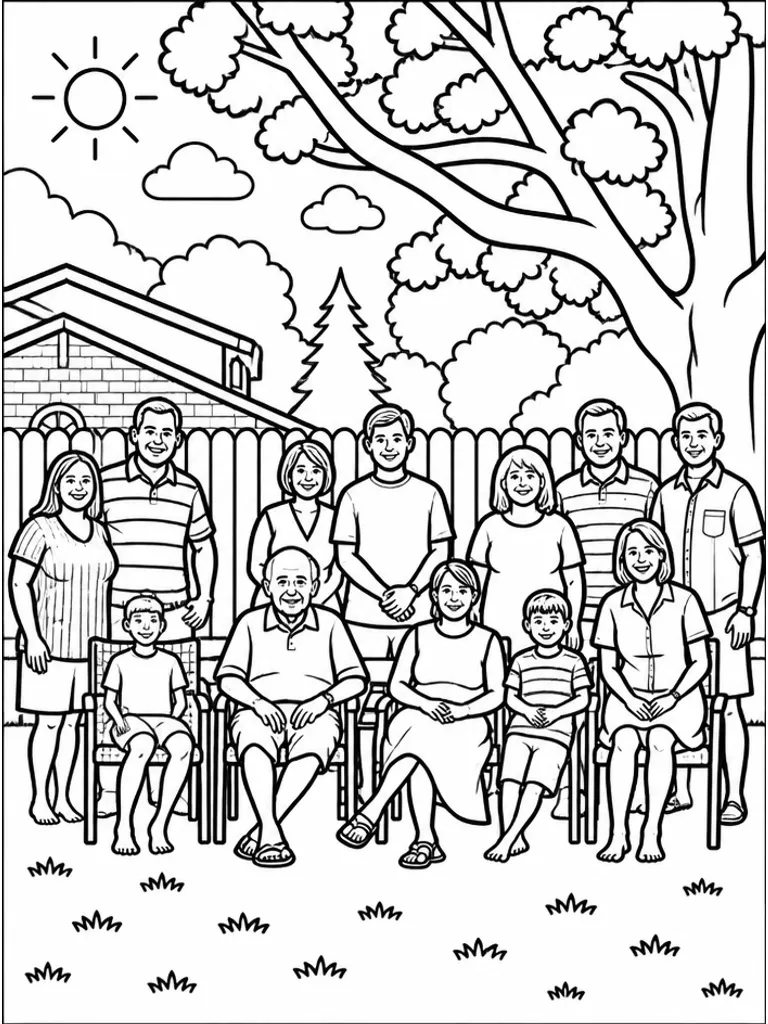
The tool draws everyone it can see, so a big group works, as the example above shows. What a big group costs is face size. With two to four people, each face is large enough for eyes, brows, nose and mouth to resemble the photo. With eleven, each face is a small circle with a few strokes, recognizable mostly by hair, glasses and where the person stands. Both are fine pages; they are just different pages.
Distance
Stand as close as the group allows and fill the frame side to side. Empty lawn above heads and below feet becomes clouds and grass tufts on the page, which is something to color but not what anyone looks at. If the photo was taken from far away, crop it before uploading so the people fill most of the picture.
Lighting
Open shade, an overcast day or a bright room is ideal. Avoid the classic reunion photo with the sun behind everyone: faces come out dark, and a dark face gives the drawing almost nothing to follow. Hard noon sun is the other trap, because people squint and caps throw shadows over eyes.
Posed or candid
A posed photo with everyone facing the camera gives the clearest faces. A candid one, like the kids building a sandcastle or Grandpa carving the turkey, makes a livelier page, but faces in profile or turned away are drawn as an outline of the head and little else, and anything moving fast may be blurred in the photo and vague on the page. For a page that is about the people, pick the posed shot; for one about the day, pick the candid.
Faces and small children
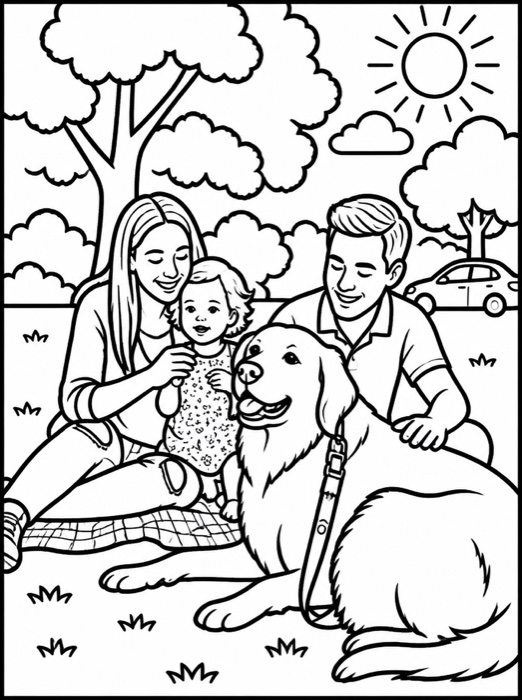
- Faces are simplified on purpose. There is no shading on a coloring page, so a face is a few lines. Expect a friendly drawing of the person, not a portrait.
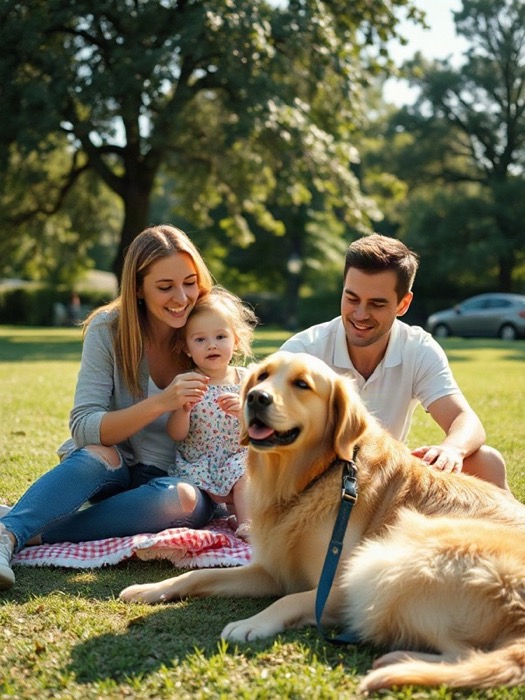
- Toddlers and babies have soft faces with few lines, so they come out as round, simple faces. Get them close to the camera and looking toward it, which is the hard part.
- A child half-hidden behind an adult is where the drawing is most likely to go wrong, as in the reunion example. Look at that spot before printing twenty copies.
- Busy clothes are usually simplified, but sometimes turn into lots of small shapes, like the toddler's dress above. If that happens, it is still colorable; for very young children, regenerate or pick a photo with plainer clothes.
What happens to the photo you upload is answered on the tool page: it is used to draw the page and not stored by us.
Ideas for family pages
A reunion table activity
Convert the group photo from last year's reunion and put a stack of copies with crayons on the kids' table. Older cousins can hunt for themselves; younger ones color whoever they like.
A gift for the grandparents
The grandchildren colored by the grandchildren. Each child colors their own copy of the same page, and the grandparents get one from everybody. A plain frame from a craft store makes it a wall picture.
The first day of school
The child at the front door with the backpack on. Do it every year with the same framing, and keep the colored pages in a folder: a small record of how they grew, colored by the person who did the growing.
A new baby announcement insert
The big brother or sister holding the baby, printed at half size, folded into the announcement card. Relatives with small kids get something to do together, and the older sibling gets to be on the page too.
The holiday card
A page from this year's family photo slipped into each card, for the cousins to color. For tree-and-pajamas photos, see the Christmas ideas linked below.
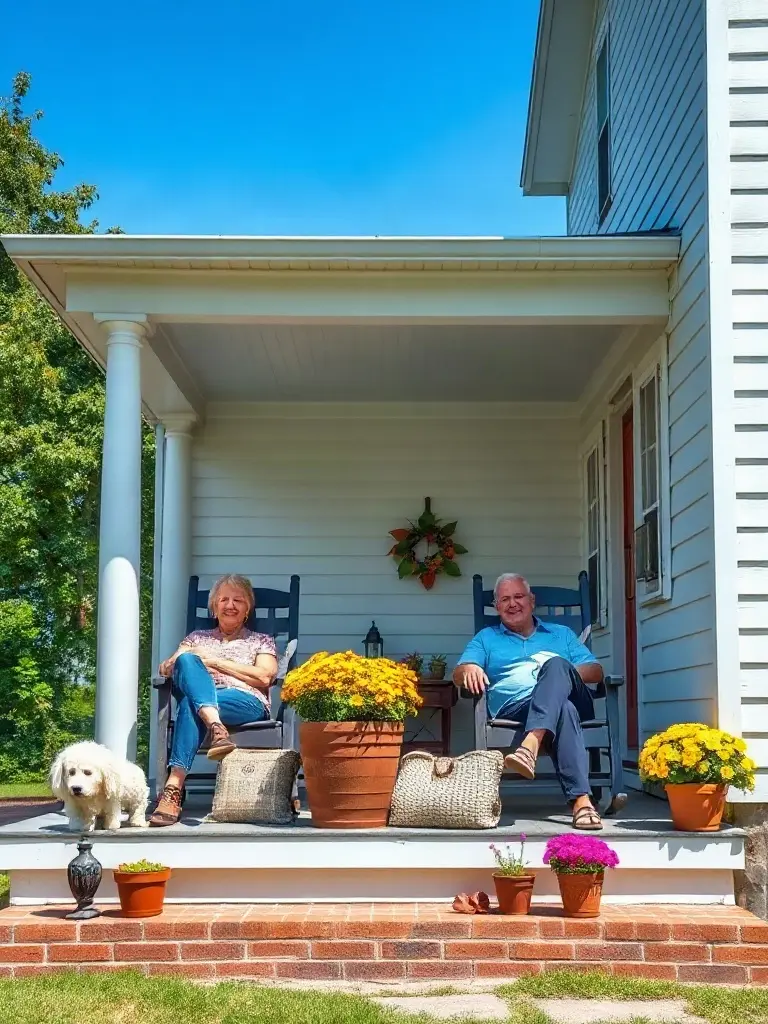
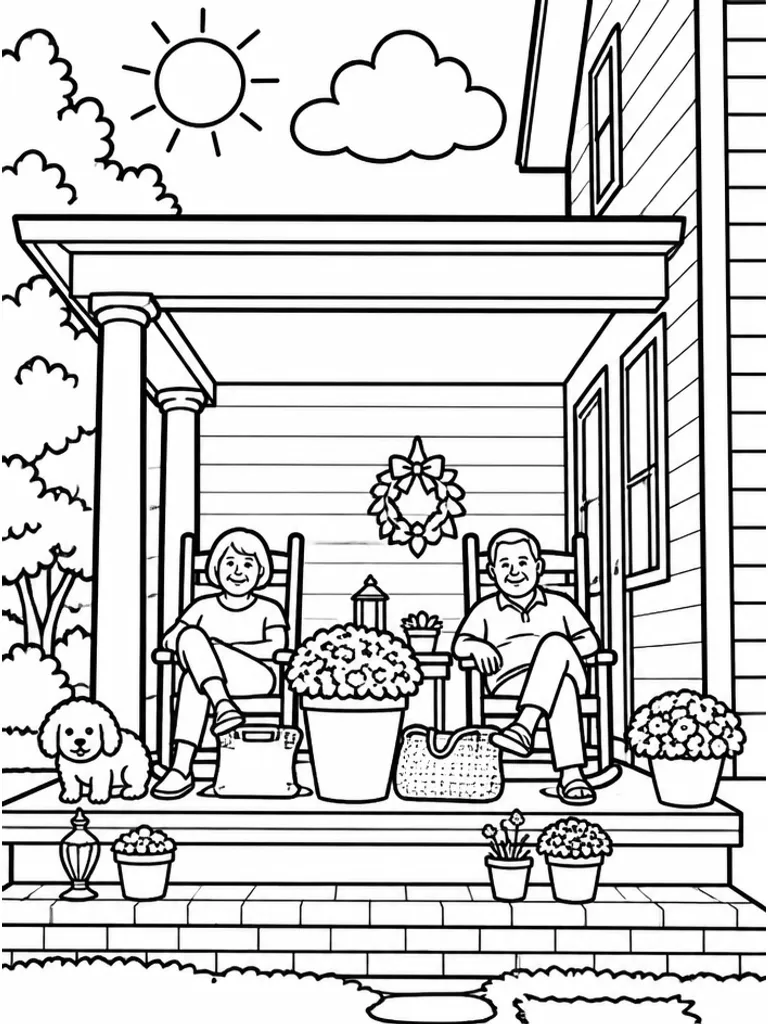
Making several pages match
If you are making a page per family branch, or one per grandchild, a little planning makes them look like a set:
- Same shape. Crop every photo to portrait, about 3 by 4. The PDF is a portrait letter page, so a landscape photo prints smaller with white bands.
- Same distance. All full-length, or all from the waist up. Mixing them makes some people look giant.
- Same kind of light, ideally the same day or the same room. Bright, even light gives the most even pages.
- Check them side by side before printing. If one page came out much busier than the others, a regenerate usually draws it differently (it uses another page from your balance).
Ten matching pages bound together make a gift of their own; the coloring book from photos page shows how to choose, order and bind them.
Printing family pages
Save the PDF and print it at home on letter paper, or with “Fit to page” on A4. For a reunion, print one copy per child plus a few spares; for thirty copies a copy shop is faster than a home printer, and you can hand them the PDF. If the pages are going to grandparents with markers, use heavier paper and print on one side only. Write names along the bottom margin with a thin pen before handing out copies of a big group page: a small “who's who” key turns it into a family tree for the kids.
Price
Each photo you convert uses one page from your balance, and so does a regenerate. Printing copies of a finished page costs nothing extra. 10 pages cost $9.99, paid once. For a big batch in one week, the weekly plan is $3.99 a week for up to 10 pages a day and renews until you cancel it on your Account page.
Questions, answered
How big can the group be?+
The example at the top of this page has eleven people plus one half-hidden, and everyone got a face, but each face is only a few strokes. Up to about four people, faces stay close to the photo. Beyond that, think of the page as a picture of the occasion rather than a set of portraits; if a few faces matter most, make a second page cropped to them.
Can I add a family member who is not in the photo, or combine two photos?+
No. The tool draws one photo and is told not to add, move or remove anyone. If you want Grandma next to the kids and there is no photo of them together, make two pages, or put the two photos side by side in a collage app first and convert the collage.
Will a newborn come out looking like a baby?+
Mostly yes, as a simple round face with closed or small eyes. A newborn's face has very little line to it, so there is less likeness to keep than with an adult. A close photo, the baby taking up a good part of the frame, works best; a baby in a blanket at the edge of a group photo can turn into a bundle with a face.
Should I ask before making pages of other people's children?+
For your own household, it is your call. For a reunion or party where you will hand out copies, ask the parents of any child in the photo first; it is their child's face on a page that leaves the room with other people.
How do I get the same look on all the pages of a family set?+
The drawing style is fixed, so the lines already match. What makes pages look different is the photos: crop them all to the same portrait shape, keep a similar distance (all full-length or all waist-up), and prefer photos in similar light. Pages from close-ups and wide shots side by side will look like two different books.
Doing the holidays? Christmas pages from your photos has ideas for the tree, pajamas and cards. Want to try a free method first? The guide to ChatGPT, Canva, Photoshop and Procreate explains each one.