✨ Create Your Own Coloring Page
Describe anything — or turn your own photo into a coloring page, downloaded clean as PNG or printable PDF.
What you get
- ✓A black-and-white line drawing of your photo: same people, same poses, same moment. The tool is told to keep faces and proportions and not to add or remove anyone.
- ✓Thick, dark outlines made for crayons and markers, with no gray shading and no big black areas. Every part is a closed shape you can fill in.
- ✓Busy backgrounds turned into a few large, simple shapes (trees, clouds, furniture) so the whole page has something to color.
- ✓Print right away, or download a letter-size PDF or a PNG.
- ✓No photo? Switch to Describe it and type an idea instead, like “a robot walking a dinosaur”.
Paid tool: 10 pages for $9.99 one-time, or $3.99/week for up to 10 pages a day (renews weekly, cancel anytime). See pricing.
Examples
Sample inputs are synthetic photos and typed ideas, never a customer's photo.
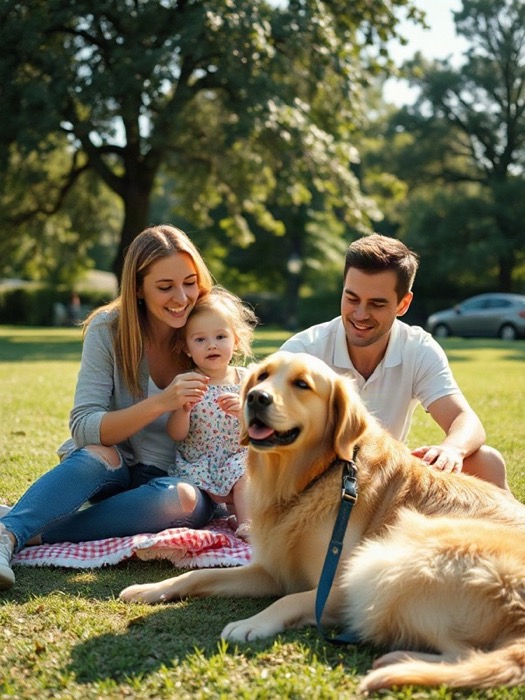
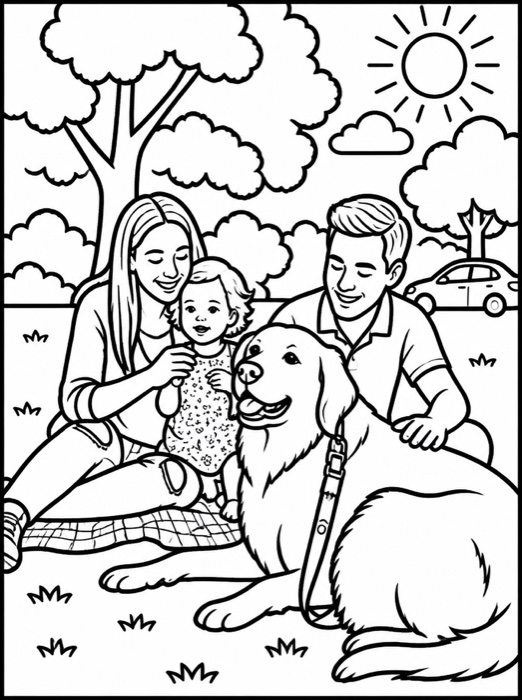
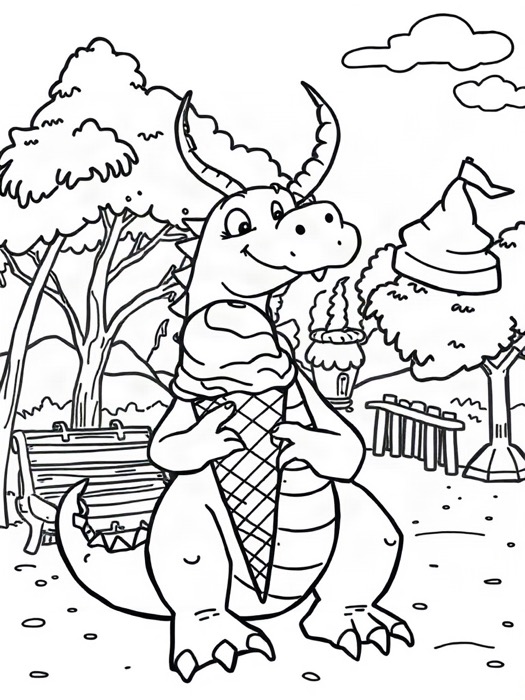
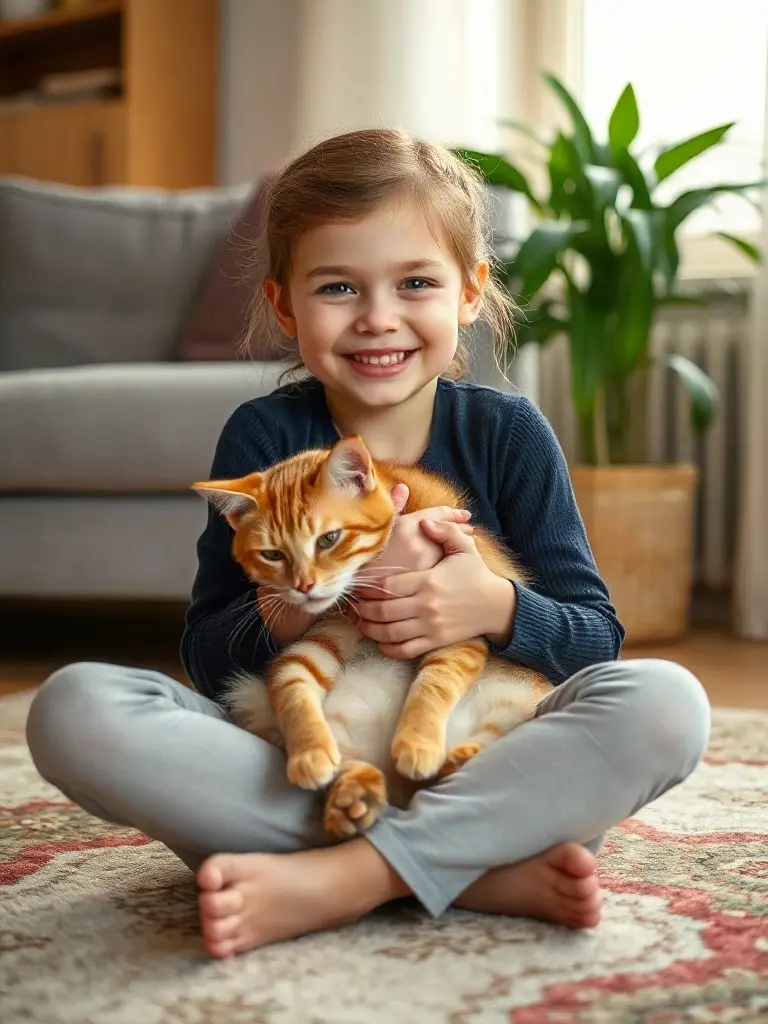
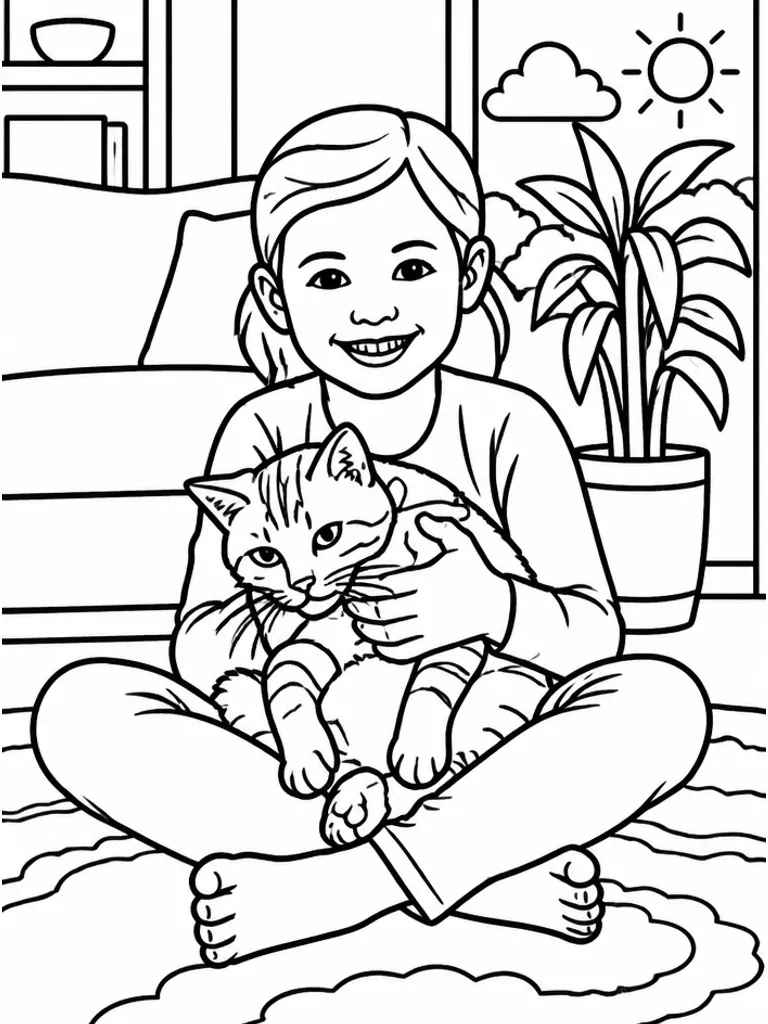

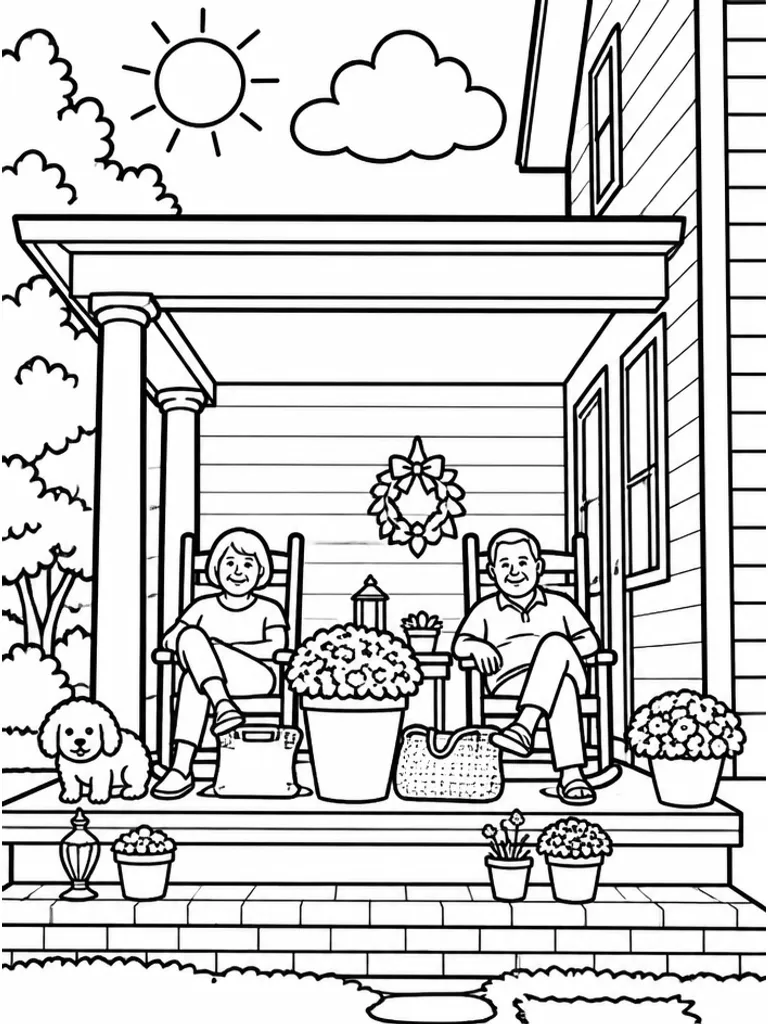
Ideas for your own photos: how it works and what makes a good photo, Christmas pages from family photos and a whole coloring book from 10 photos.
Questions, answered
Can I upload photos of my children? What happens to the photo?+
Yes, family photos are what the tool is for. Your browser first shrinks the photo (to at most 900 pixels on the long side) and sends it to our server, which passes it once to our AI image partner, fal.ai, running an OpenAI image model, to draw the page. We do not save your photo or the finished page on our servers and there is no gallery of uploads. Only upload photos you have the right to use.
How many people or pets can be in one photo?+
There is no fixed limit, and the tool is told not to add, move or remove anyone. In a big group every face is small on the page, and faces are drawn with just a few simple lines, so small faces lose likeness. For a page where everyone is recognizable, a photo with one to four people or pets, close to the camera, tends to work best. For a big group, crop to the people who matter most for this page.
What size does it print?+
Download PDF saves a US Letter page (8.5 × 11 inches, portrait) with the drawing scaled to fit inside the margins. Print sends the page straight to your printer from the browser; on A4 paper choose “Fit to page”. PNG gives you the image file itself, for cards, booklets or a print shop.
What if I don't like the result?+
Press Regenerate to get a fresh drawing of the same photo; each try is drawn anew, so it comes out different. Every try uses one page (a credit, or one of today's weekly pages), Regenerate included. If a generation fails, that page is given back automatically. Before you retry, consider a brighter photo or a closer crop: the tool merges small, dark details into simple shapes, so a face that is tiny or in shadow has little left to keep. Unused credits can be refunded in full within 14 days, partly used packs pro-rata; the details are on the Refunds page.
Is it a one-time payment or a subscription?+
Both exist, and you choose. 10 pages cost $9.99, paid once, and nothing renews. The weekly plan is $3.99 a week for up to 10 pages a day; it renews every week until you cancel, which takes one click on your Account page. For one or two pages, the pack is simpler. For a whole book or a class set in one week, the weekly plan costs less; cancel it afterwards if you don't need more.
More on refunds: Refund policy · Cancel the weekly plan on your Account page.