🐶 A coloring page from your dog's photo
Search for dog coloring pages and you get somebody's drawing of a beagle. This is for a page of your dog: its ears, its collar, the way it lies on the grass. Cats and other pets are welcome too; dogs just come first because that is what most people ask for.
Paid tool: 10 pages for $9.99 one-time, or $3.99/week for up to 10 pages a day (renews weekly, cancel anytime).
How to photograph your pet for a coloring page
A pet photo that looks great on a phone screen is not always a good coloring page. What the drawing needs is a clear outline and a clear face.
- Get down to eye level. Kneel or lie on the floor. Photos taken from standing height show the top of the head and a big nose, and the page inherits that.
- Daylight, not flash. Near a window or outside in the shade. Flash gives glowing eyes and flat fur; deep shade loses the edge of a dark coat.
- Get the face toward you. Hold a treat or squeak a toy just above the lens. Ears up and eyes on the camera last about a second, so use burst mode.
- Choose head-and-shoulders or the whole dog. A close portrait keeps the most expression. A whole-body photo shows the pose (the sprawl, the tail, the toy) but the face gets smaller.
- Keep it sharp. A wagging tail can be a blur, but the eyes should not be. Zoom in on them before you choose.
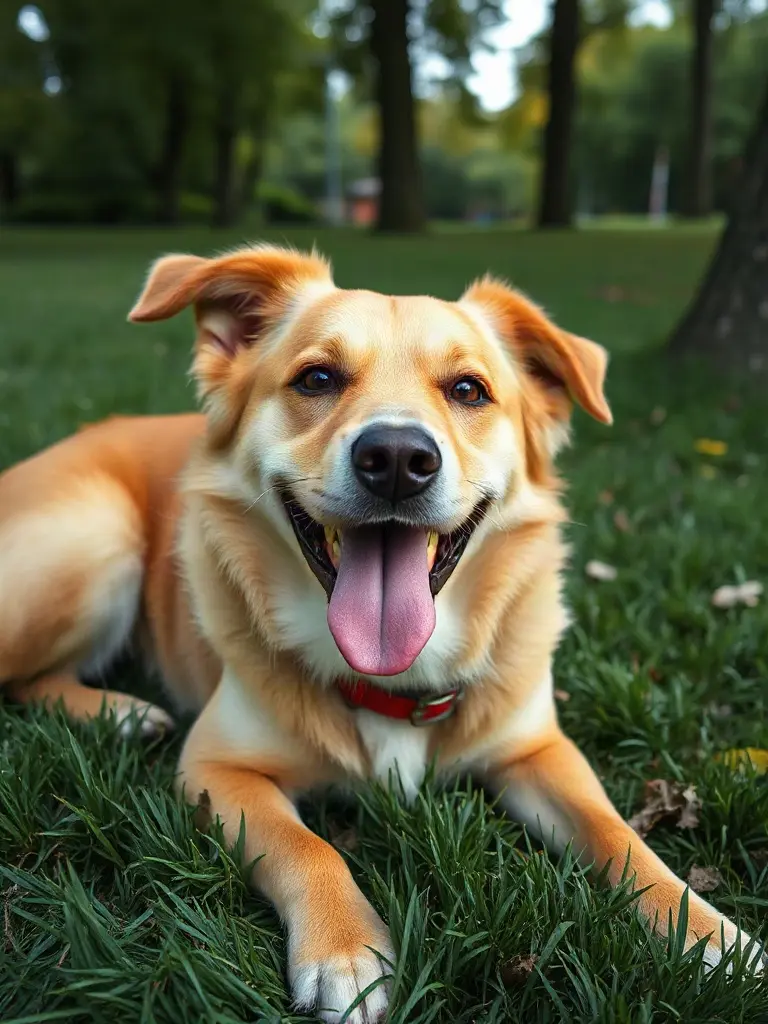
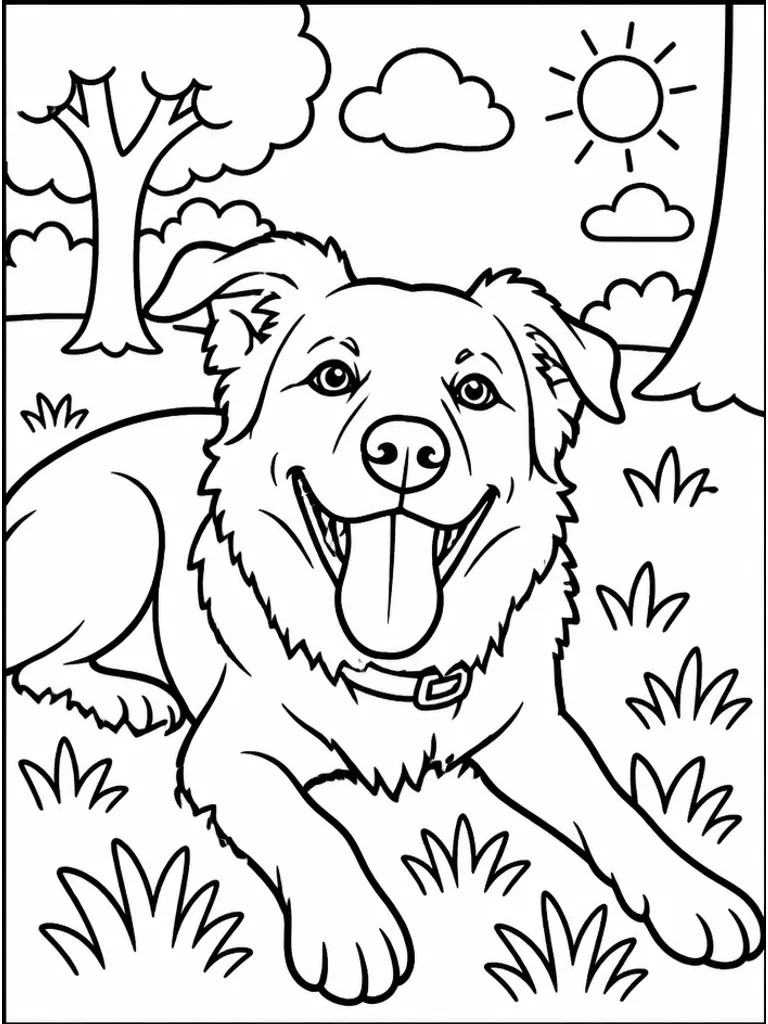
- Leave the collar on. The tool is told not to remove things from the photo, so a collar, a bandana or a favorite toy (like the collar in the example) gives kids something extra to color.
Dark coats, fluffy coats and markings
A coloring page has outlines and nothing else: no fill, no gray. That is what makes it colorable, and it decides how different coats come out.
- Black and very dark dogs lose detail. We would rather say it plainly: the darker the coat, the less there is in the photo for the drawing to follow, especially around the eyes and mouth. Use your brightest, most even photo with a light background behind the dog.
- Fluffy coats become smooth shapes. Fur is not drawn hair by hair. Expect a few big areas, often with a wavy or shaggy edge, as on the example above.
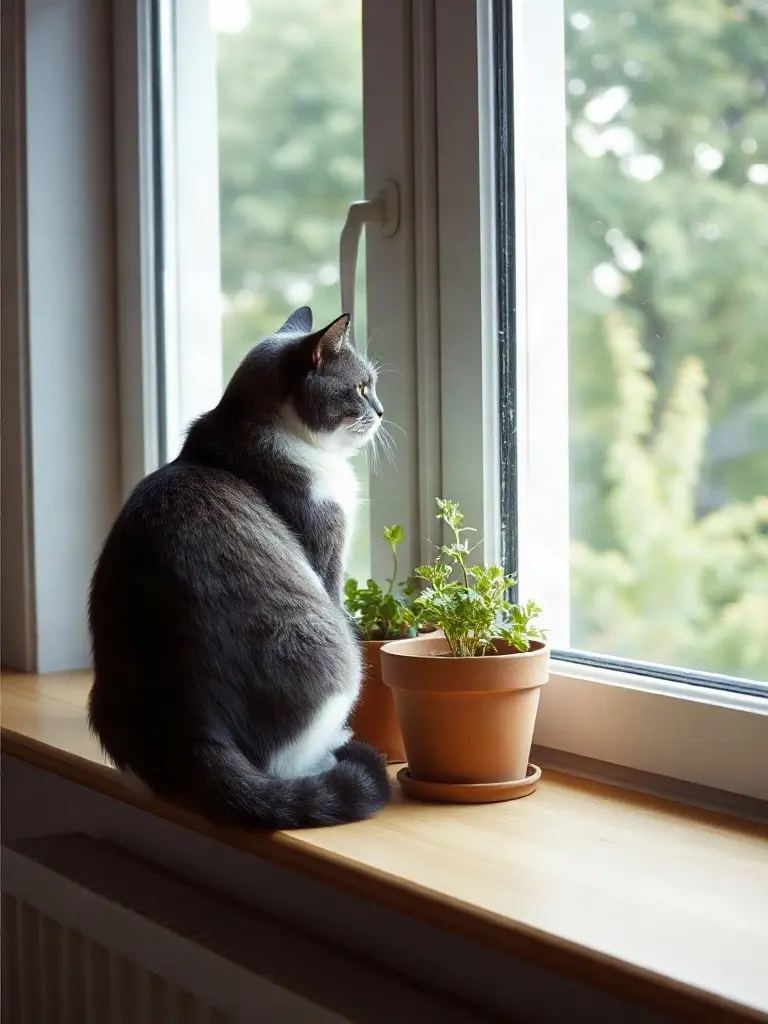
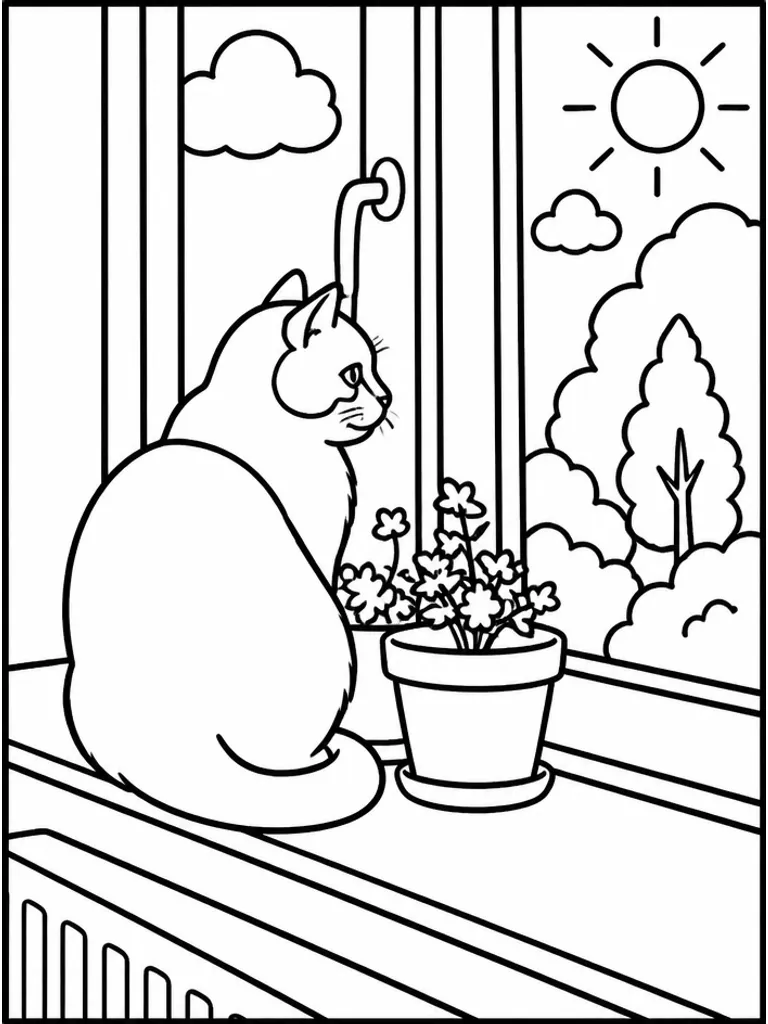
- Markings are mostly dropped. Spots, brindle and a white chest are color, so they usually vanish, as with the cat below. Kids can draw them back in.
Ideas for pet pages
Kids coloring their own dog
The best one. Children color their own pet with more care than any cartoon dog, and they will argue for a purple dog. Print one copy per child.
A thank-you for the vet or the groomer
A page of the dog, colored by the kids, tucked into a card after a surgery or the first groom. It is the kind of thank-you that goes on the clinic wall.
Birthday or gotcha-day
For the day the dog was born or the day it came home. Print copies for a small party, or one page a year from that year's best photo.
Meet the new puppy
A page for grandparents or cousins who have not met the puppy yet, mailed with a photo. They get to color the newest member of the family before the visit.
Remembering a pet
A page from an ordinary, happy photo of a pet who has died can be a gentle thing for a child to color, or to keep uncolored. Let them choose when.
Printing a pet portrait
For coloring, print the letter-size PDF on ordinary paper. For a portrait that will be framed or given away, print on heavier paper or light cardstock and color with pencils, which suit fur better than markers. For a card, print at half size and fold. Got a dog that wears its Santa hat? There are holiday ideas on the Christmas photo pages.
Price
The photo tool is paid from the first page: each photo uses one page from your balance, and so does each regenerate. 10 pages cost $9.99, paid once, enough to try a few photos of the same pet and keep the best. The weekly plan is $3.99 a week for up to 10 pages a day and renews until you cancel. If you would rather try a free method first, the guide to ChatGPT, Canva, Photoshop and Procreate walks through each.
Questions, answered
Will it work with a black dog?+
It works, but a black or very dark dog is the hardest case. In the photo, the eyes, the edge of the ears and the mouth are all close to the same dark color, so there is less for the drawing to follow, and the face can come out simpler than you hoped. Bright, even daylight, a light background and the dog facing you help most. The page itself is never filled in black: your dog will be a white shape to color, as dark as you like.
Does it work for cats and other pets?+
Yes. Cats, rabbits, guinea pigs, horses and birds all work the same way: the closer and better lit, the better. Pets behind cage bars or glass are harder, because bars and reflections are likely to be drawn too; take the photo with the door open or from above the tank.
Will it keep my dog's spots or markings?+
Usually not. Markings are color, and a coloring page has no color or gray, so expect most patches to disappear and the coat to become one white shape, like the cat's gray-and-white coat in the example. The markings are yours to add back with pencils.
Can my child and the dog be on the same page?+
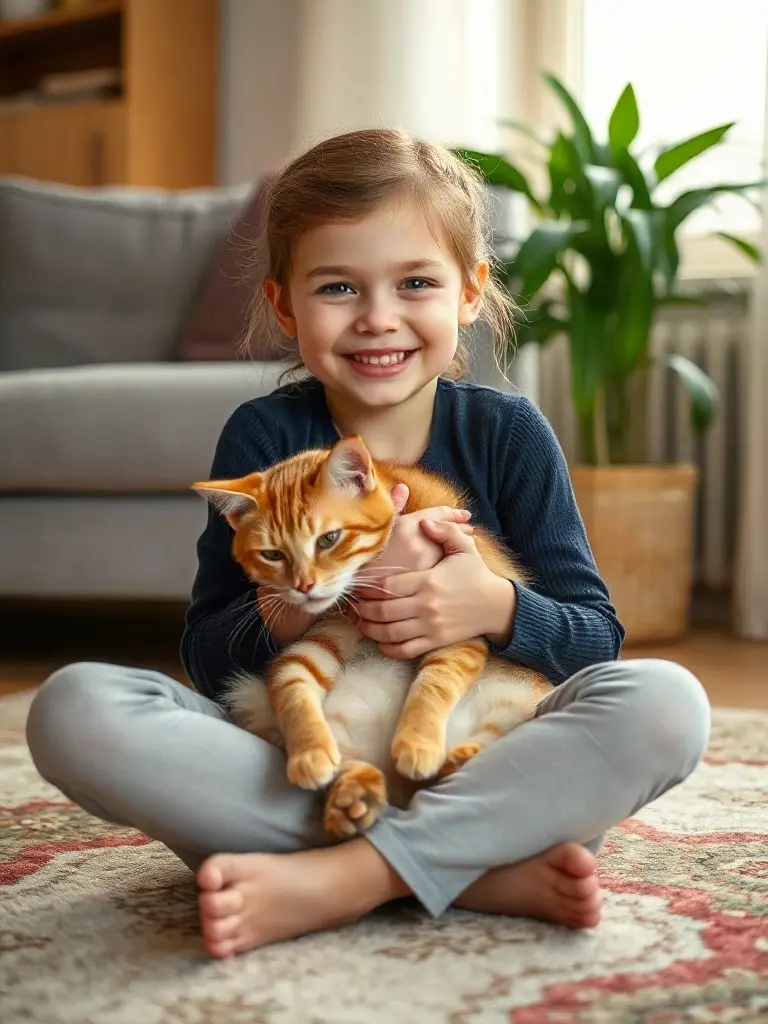
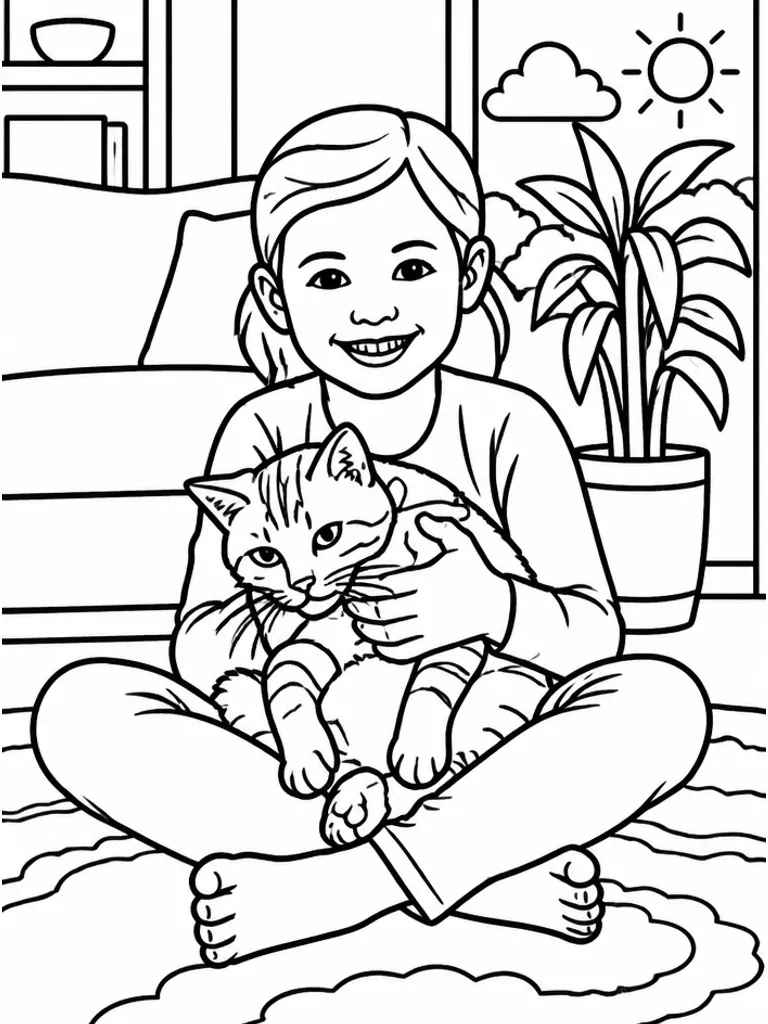
Yes, if they are in the same photo: the tool draws everyone in the picture. It cannot put a pet from one photo next to a child from another. A child sitting on the floor with an arm around the dog, both facing the camera, is one of the easiest good photos to get.
Can I write the pet's name on the page?+
The tool does not add text. Crop the photo with some space above the pet's head, then letter the name into the gap with a thick marker after printing, as a big outline for the kids to color in.
Free to print today: the coloring page library, no photo needed.