Turn your photo into a coloring page
Upload a photo of your kids, your dog or your house and get back a black-and-white page with thick, closed outlines that a child can actually color. It takes about 15 seconds; print it or save it as a letter-size PDF.
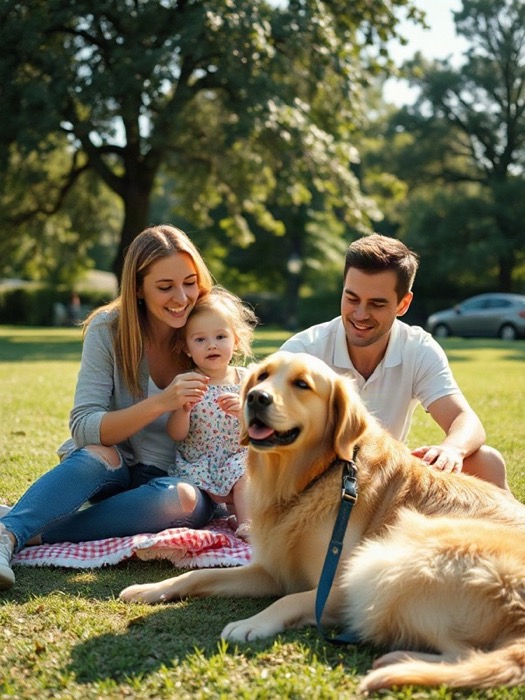
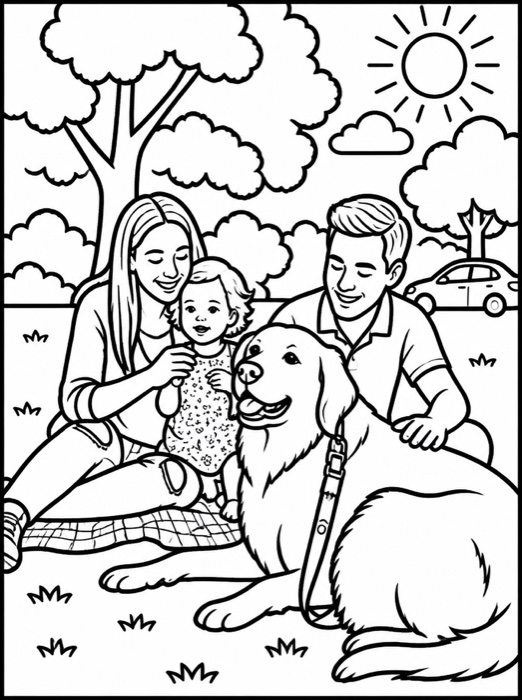
Paid tool: 10 pages for $9.99 one-time, or $3.99/week for up to 10 pages a day (renews weekly, cancel anytime).
What the tool does to your photo
It does not trace your photo. An image model redraws it as a children's coloring book page, following fixed rules:
- ✓Same scene. Composition, poses, faces and proportions stay as they are. It is told not to add, move or remove anyone.
- ✓Very thick lines. Heavy, even outlines, like a chunky felt-tip marker, never faint hairlines.
- ✓Nothing pre-colored. No shading, hatching, gray tones or big black areas. Every region is a closed white shape.
- ✓Simpler details. Hair strands, grass and fabric folds merge into a few large, smooth shapes. Small clutter is dropped.
- ✓A full page. The background becomes a few big things to color, such as clouds, a sun, trees or furniture, instead of empty white.
Two more examples
Synthetic sample photos made for this page, never a customer's photo.
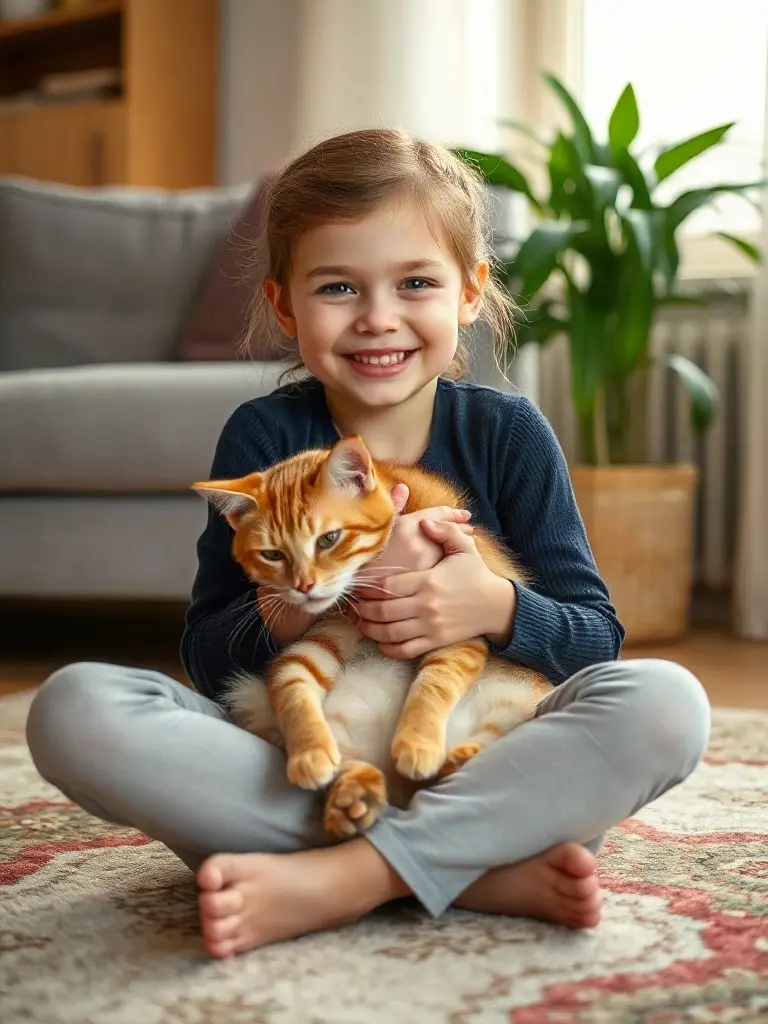
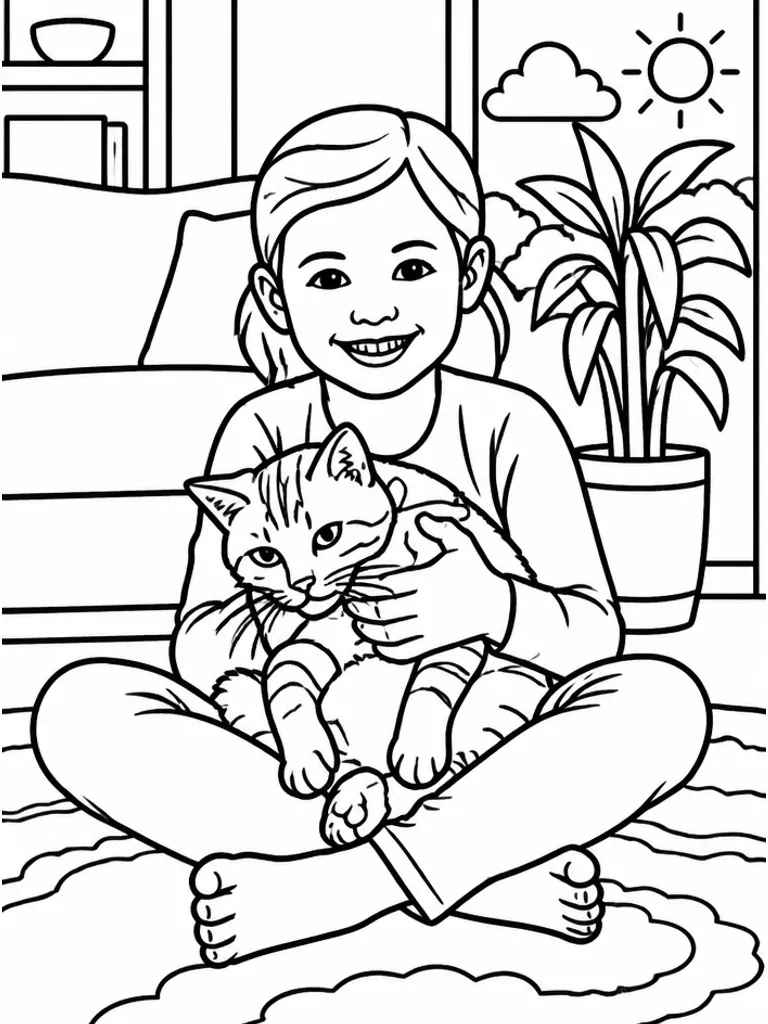
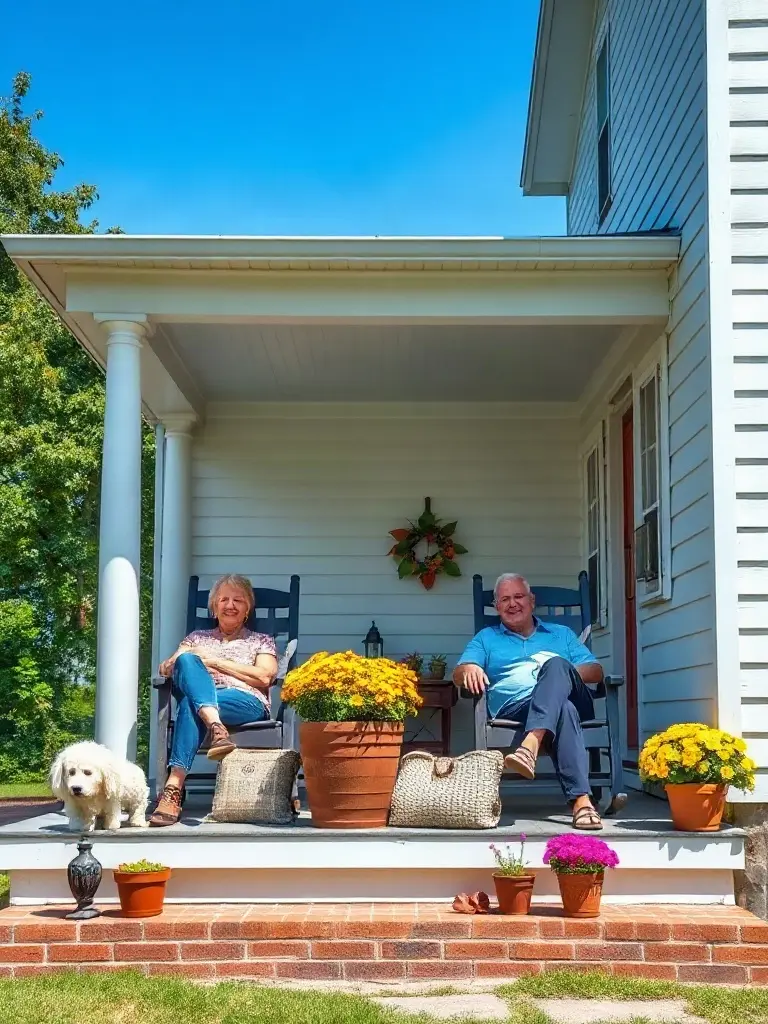
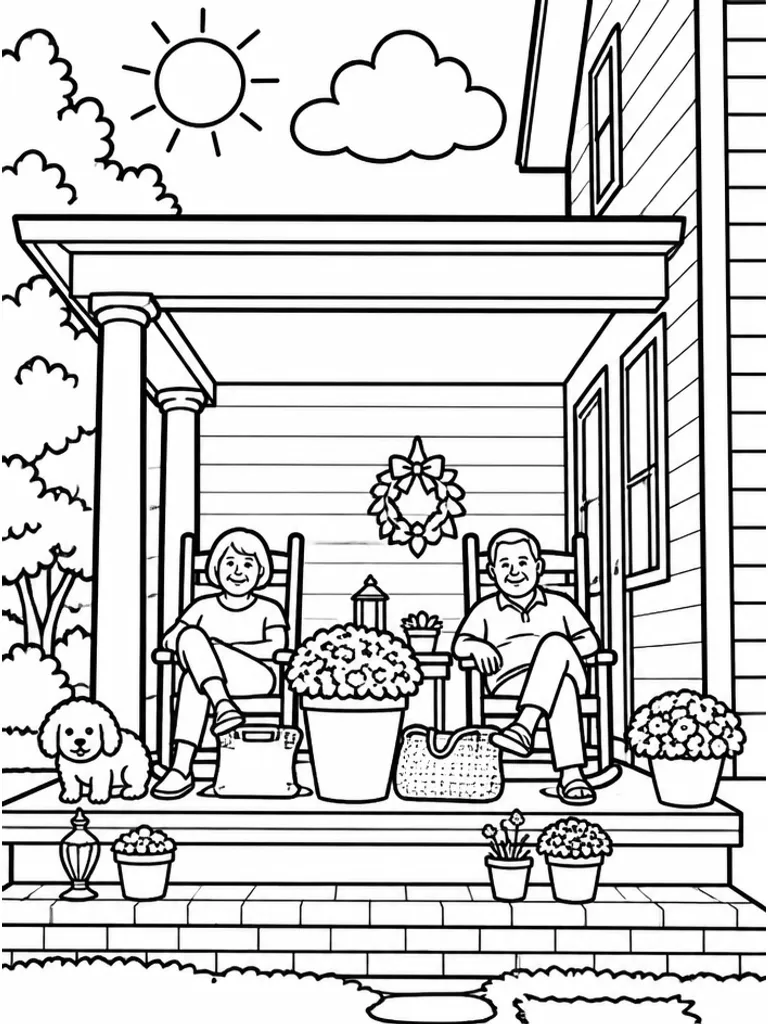
How this differs from a sketch filter
A classic “photo to sketch” filter works by finding edges in the picture. It outlines every edge it sees: each strand of hair, every blade of grass, the edge of every shadow. The result looks like a pencil sketch, but the lines are thin and broken, the shadows turn into gray noise, and many shapes never close, so there is nothing for a crayon to fill.
Redrawing has a trade-off you should know before you pay: small things can change. A busy shirt pattern may become plain, a bookshelf may turn into a few rectangles. It is a drawing of your photo, made to be colored, not an exact copy.
Step by step
- Open the tool with the button on this page. The From a photo tab is already selected.
- Choose a photo from your phone or computer. Your browser shrinks it to at most 900 pixels on the long side before sending it, so a normal phone photo is more than enough.
- Press Generate coloring page and wait about 15 seconds.
- Print it, or download a letter-size PDF or a PNG. Regenerate draws it again from scratch and uses another page.
What makes a good photo
- Faces you can see. Daylight or a bright room, faces toward the camera, nobody in deep shadow or behind sunglasses.
- Not too many people. One to four people or pets fill the page well. In a big group each face ends up tiny and gets only a couple of lines (see the eleven-person example on the family photo page).
- Crop before you upload. If the people you care about are small in the frame, crop to them first. The page shows what the photo shows.
- Pets at their level. Crouch down so the camera is level with the animal's eyes. More on dark and fluffy coats on the dog and pet page.
- Houses straight on. From across the street, with the whole front and the roof in the frame.
What it costs
One photo page uses one page from your balance, and so does every regenerate. The one-time pack is 10 pages for $9.99 (about $1.00 a page), valid for a year, and nothing renews. The weekly plan is $3.99 a week for up to 10 pages a day; it renews every week until you cancel it on your Account page. A generation that fails is given back automatically. Unused credits can be refunded within 14 days.
Questions, answered
Is there a free version of the photo tool?+
No. Every photo page costs us money to draw, so the tool is paid from the first page: 10 pages for $9.99, paid once, or $3.99 a week for up to 10 pages a day. The ready-made coloring library on this site is free to print, with no signup.
Will the page still look like us?+
The poses, the layout and who stands where stay the same, and the tool is told to keep faces recognizable. But a coloring page has no shading, so faces become a few clean lines: eyebrows, eyes, nose, mouth. Expect the likeness of a friendly drawing, not a detailed portrait. A close, well-lit face keeps the most.
Does it work with pet photos?+
Yes. Fur is merged into a few smooth shapes instead of thousands of hairs, while things like a collar, a leash or a favorite toy stay in the picture. Pets work best photographed at their eye level, with the face toward the camera.
Can I color the page on a tablet instead of paper?+
Download the PNG and open it in a drawing app with a fill tool. The outlines are meant to be closed, so most areas fill with one tap; if a fill spills over, close the small gap with a short stroke.
What about an old or damaged print?+
Any photo works, black-and-white included, but scratches and stains on an old print may be drawn as lines. Our photo restore tool (also paid, one page each) can clean the print first; then convert the restored image.
Something to color today, for free: the coloring page library (90 pages, 15 themes).